Anuros Keynote: A Template for Clear, Creative Presentations
Crafting a presentation that both informs and inspires is a common challenge for anyone who needs to communicate ideas. Whether you’re pitching a startup, teaching a workshop, or presenting annual results, your slides are the visual backbone of your story. They need to be coherent, visually engaging, and uniquely yours. The Anuros - Keynote Template is designed specifically to meet this challenge, offering not just a set of slides, but a flexible system for building standout presentations.
Beyond a Single Look: A Framework for Visual Cohesion
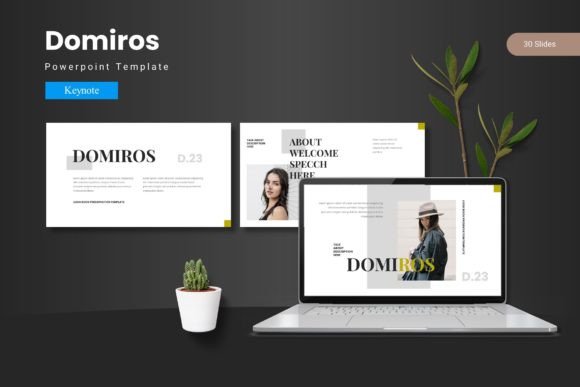
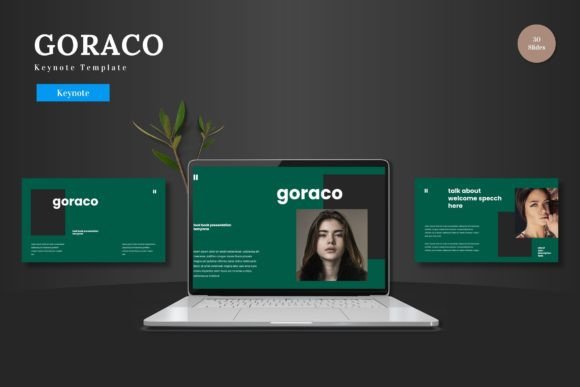
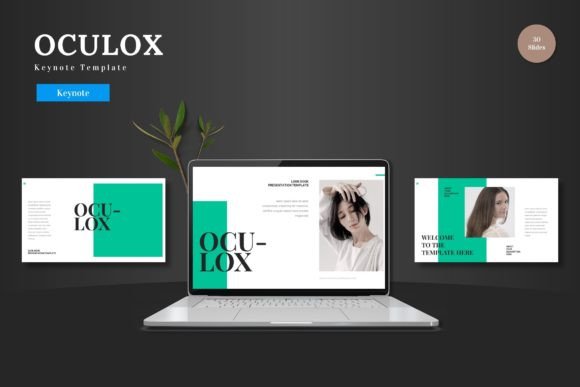
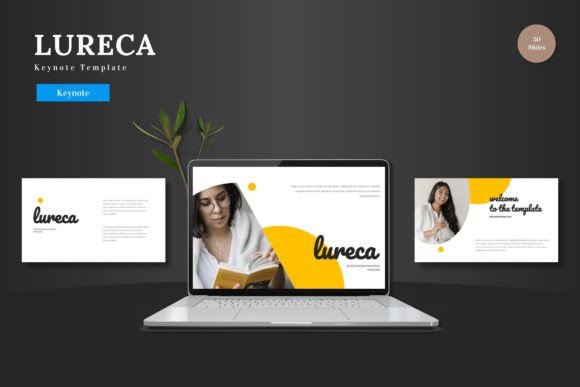
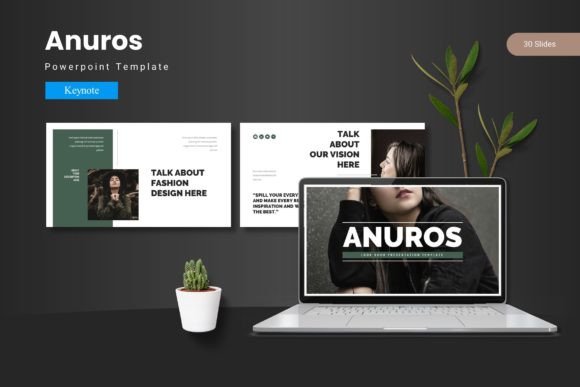
What makes the Anuros Keynote template particularly useful is its foundational approach. It isn’t merely one static design. At its core, it’s a collection of 150 total slides built across 5 premade color variations. This means you get 30 meticulously designed slides for each distinct color scheme. The structure is built on master slides, ensuring that every element you add—from text boxes to image placeholders—adheres to a consistent grid, typography hierarchy, and spacing. This built-in consistency is crucial. It allows you to focus on your content’s message rather than wrestling with alignment and design rules, guaranteeing a polished, professional look from slide one to slide thirty.
The practical benefit here is immense. Imagine you’re preparing a series of presentations: a bold and energetic pitch for investors, a clean and trustworthy report for clients, and a warm, approachable tutorial for students. With Anuros’s five color schemes, you can select a different visual tone for each audience without starting from scratch. The underlying layout logic remains the same, making your workflow faster and your brand’s visual language consistent across different contexts.
Unlocking Creative Possibilities with Built-In Assets
Creativity in presentations often flourishes when you have high-quality tools that are easy to manipulate. This template provides those tools directly. The inclusion of handcrafted infographics and pixel-perfect illustrations offers a starting point for explaining complex data or concepts. Since all graphics are resizable and editable within Keynote, you’re not stuck with a static icon. You can change colors to match your chosen scheme, adjust sizes to fit your layout, or combine elements to create custom diagrams.
The drag-and-drop gallery and portfolio slides, along with picture placeholders, simplify one of the most important aspects of modern presentations: showcasing visual evidence. For a designer presenting a portfolio, a marketer highlighting campaign imagery, or an educator illustrating scientific concepts, this functionality means you can update visuals rapidly. Your presentation remains dynamic and relevant, focused on your latest work or most compelling photographs.
Adapting the System for Your Unique Needs
The true test of any template is how well it adapts to the user’s specific goal. Let’s explore how different professionals might leverage the Anuros system.
Entrepreneurs and Startup Founders can use the bold color variations to create investor decks that feel innovative and confident. The infographics are perfect for simplifying business models, growth metrics, and market analysis. Using the master slide system, they can ensure every slide reinforces their company’s narrative, making the pitch clear and memorable.
Educators and Trainers might prefer the cleaner, more subdued color schemes to maintain focus on the material. The section break slides provide natural points to introduce new modules or topics. Editable illustrations can be tailored to explain historical timelines, scientific processes, or linguistic concepts, making abstract ideas concrete for students.
Freelancers and Small Business Owners often need a single template for multiple purposes: a service proposal, a case study, and a personal brand introduction. With 150 slides at their disposal, they can cherry-pick layouts. They might use the portfolio slides for one project, the data-infographic slides for another, and keep everything tied together with one consistent color theme, building a recognizable professional identity.
Practical Inspiration: Making It Your Own
Starting with a robust template like Anuros is about empowerment, not limitation. The recommendation is to begin by selecting the color scheme that instinctively fits your presentation’s emotion—is it energetic, serene, authoritative, or playful? Then, browse the 30 slides in that scheme. Don’t use them all. Instead, identify the core layouts that fit your story’s structure: a powerful title slide, a clean text-and-image slide for explanations, a dedicated data slide for key numbers, and a compelling conclusion slide.
Next, populate these chosen slides with your content. Use the placeholder text to understand the intended typographic hierarchy, then replace it with your own words, keeping the established balance between headline, body, and caption. Drag your images into the provided frames. The magic of a template based on master slides is that even as you customize, the overall design remains cohesive. Your presentation looks custom-built, not generic.
For those seeking a unique touch, leverage the editable graphics. Perhaps you adjust an illustration’s color to match your logo, or you break apart an infographic to highlight a specific piece of data in a new sequence. This level of customization keeps the presentation original and audience-friendly, as you’re tailoring the visuals to support your specific message, not just filling in a predetermined form.
Keeping Results Clear and Effective
With so many slides and options, the key to an effective final presentation is editorial discipline. The template provides the visual tools, but you must apply the narrative focus. Stick to one color variation per presentation to maintain visual harmony. Use section breaks intentionally to signal transitions in your talk. Remember, the goal is to aid comprehension. A well-designed slide should reduce cognitive load for your audience, directing their attention to your most important point.
Finally, consider your delivery platform. The Anuros - Keynote Template is built for Apple’s Keynote software, ensuring smooth animations and transitions if you use them. The included readme file and font information are practical resources for troubleshooting and ensuring you have the correct typefaces installed, which is a small but critical detail for pixel-perfect fidelity. Whether you present in-person, share a PDF online, or embed slides in a video, the clean, organized output from this template will serve your content well, leaving that lasting mark with each slide you deliver.
In essence, the Anuros template shifts the effort from building the plane to flying it. It provides a reliable, aesthetically grounded structure and a rich set of components. Your creativity is then channeled into the content, the narrative, and the strategic adaptation of those tools to connect with your audience. It’s a practical foundation for anyone who understands that great ideas deserve equally great presentation.