Jamuna Keynote Template: Elevating Your Presentation Story
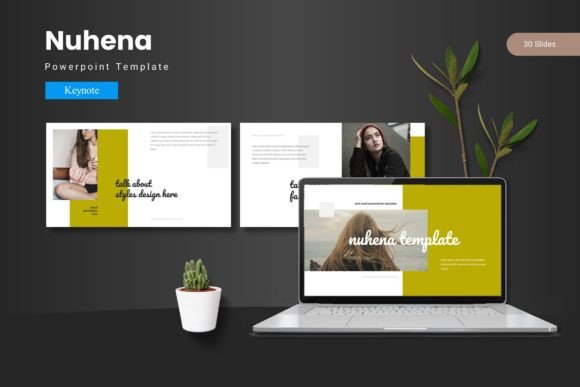
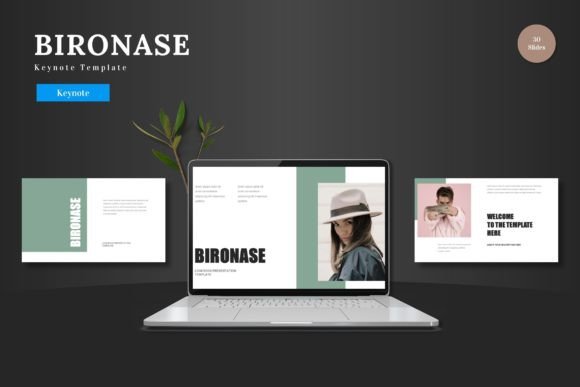
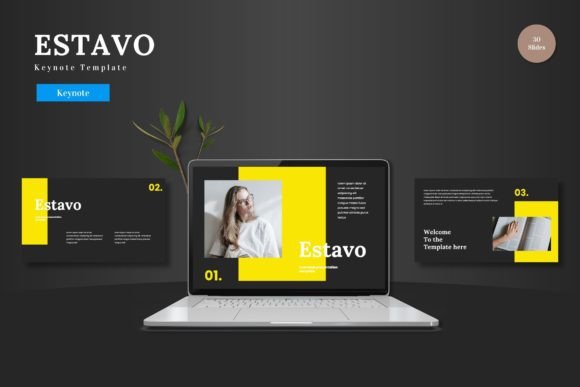
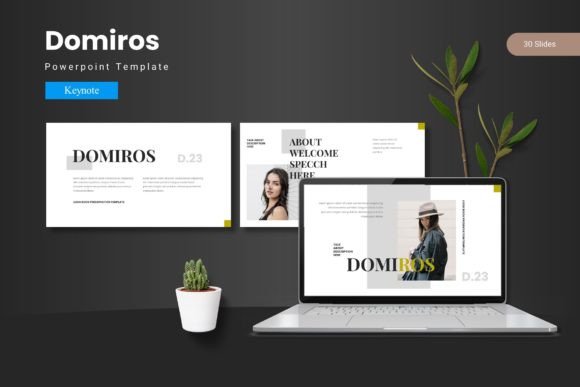
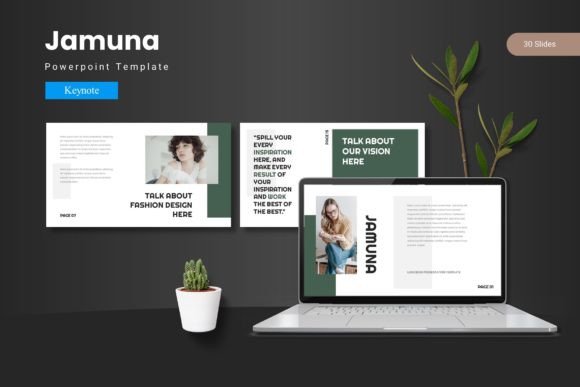
In the world of presentations, the medium is often as important as the message. A presentation template is not just a set of slides; it’s a visual framework that shapes how your ideas are received. The Jamuna Keynote Template offers this framework, providing a structured yet flexible design system for Apple’s Keynote software. It consists of 150 total slides, organized across five distinct color themes, with 30 slides dedicated to each theme. This structure includes dedicated section breaks, handcrafted infographics, resizable illustrations, and easy-to-use features like drag-and-drop picture placeholders. But what does a collection of slides truly mean for someone who needs to communicate? The answer depends entirely on who you are and what you’re trying to achieve.
More Than a Design: A Cohesive Visual Tool
At its core, Jamuna Keynote Template is a pre-designed set of master slides. The “master slide” concept is key: it means every chart, layout, and text box is built from a consistent design foundation. This ensures that when you customize a slide—changing a color, swapping an image, or altering text—the underlying aesthetic harmony remains intact. You aren’t just pasting elements together; you’re working within a coherent visual language. The inclusion of five premade color variations is a strategic feature. It allows you to match the template’s mood to your brand’s identity, the event’s theme, or simply your personal preference without starting from scratch. For many, this is the primary value: a professional starting point that bypasses the intimidating blank canvas.
Why Different Audiences Look at Jamuna Differently
A marketing professional might see Jamuna Keynote Template as a brand alignment tool. They need to present quarterly results, campaign proposals, or market research to clients and internal teams. Their priority is speed and brand consistency. With pre-built portfolio slides and infographics, they can quickly assemble a deck that looks polished and reinforces company colors and fonts. The drag-and-drop gallery slides mean inserting new product photos is a matter of seconds, not minutes. For them, the template’s reliability and professional finish directly support their credibility.
An educator or trainer, on the other hand, might prioritize clarity and engagement. Their goal is to explain complex concepts and hold the attention of students or workshop participants. The handcrafted infographics and clear section break slides within Jamuna Keynote Template become vital. They can use these visual tools to break down processes, show data relationships, and signal transitions between modules in their lesson. The ease of customization lets them adapt the same core template for a university lecture, a corporate training session, and a public webinar, maintaining a familiar but adaptable teaching aesthetic.
The Beginner’s Perspective: Ease and Confidence
For a beginner, freelancer, or hobbyist diving into presentations, the overwhelming question is often “How do I make this look good without being a designer?” Jamuna Keynote Template addresses this by offering guided flexibility. The readme file and organized folder structure provide a clear starting path. Since all graphics are resizable and editable, a user learning Keynote can experiment with scaling icons or changing illustration colors without breaking the layout. This hands-on tweaking within a safe, well-designed environment has significant learning value. It builds confidence and practical skills more effectively than struggling with a completely empty file. A hobbyist creating a slideshow for a community club, or a freelancer presenting a project proposal to a first client, can achieve a result that looks intentionally crafted, not hastily assembled.
The Creator and Entrepreneur: Efficiency and Impact
Creators, entrepreneurs, and small business owners often operate under tight constraints: limited time, limited budget, but a need for maximum impact. Here, Jamuna Keynote Template’s value is in its economic efficiency. The cost of a template is typically far lower than hiring a designer for each presentation, yet it provides a asset that can be reused across countless projects—from investor pitches, to service showcases, to annual reports. The five color schemes mean they can subtly differentiate presentations for different audiences or product lines while using a single, mastered template file. An entrepreneur pitching to investors might use the bold, confident color variation; the same entrepreneur presenting a user-friendly overview at a public meetup might switch to the softer, more approachable palette. This long-term usefulness turns the template into a sustainable business tool.
Evaluating Priorities: What Matters Most to You?
When considering a template like Jamuna, it’s helpful to identify your own hierarchy of needs. Is ease of use your top concern? Then examine features like the drag-and-drop placeholders and the clarity of the master slide structure. Is creative flexibility paramount? Look at the resizable, editable illustrations and the depth of the 30-slide set for each color—does it offer enough unique layouts for your imaginative concepts?
For a professional who presents weekly, speed and reliability might be non-negotiable. They need to know the template won’t produce formatting glitches when they’re rushing to prepare for a Monday morning meeting. The pixel-perfect design and based-on-master-slides approach speaks directly to this need for dependable output. Conversely, a blogger or content creator might value the visual storytelling aspect more. They might use the template not just for live presentations, but to create slide decks that accompany blog posts or online courses. The portfolio and gallery slides are perfect for showcasing their work in a visually integrated manner.
It’s also worth considering your project type. Is it a one-off, high-stakes presentation like a conference keynote? The comprehensive nature of Jamuna Keynote Template, with its section breaks and infographics, provides the structural depth needed for a long, impactful talk. Is it a recurring internal report? The template’s consistency ensures every monthly update looks familiar and professional, saving time every cycle.
Aligning the Tool with Your Goals
Ultimately, the Jamuna Keynote Template is a bridge between your content and your audience’s perception. Whether you are an educator aiming for comprehension, a marketer aiming for persuasion, or a beginner aiming for competence, it provides a structured path. Before deciding if it matches your needs, ask yourself: Do I spend more time struggling with design than crafting my message? Do I need a visual identity that can adapt across multiple presentations? Does the idea of a cohesive, master-based design system appeal to my workflow?
The template’s description highlights leaving a “lasting mark with each slide.” This isn’t about flashy effects; it’s about the lasting impression of clarity, professionalism, and thoughtful design. In a practical sense, for the busy professional, that mark might be a successfully closed deal. For the educator, it might be a student’s clear understanding of a difficult topic. For the freelancer, it might be the client’s trust in their capabilities. The same tool, through the lens of different users, serves a common ultimate purpose: making your communication not just heard, but effectively seen and remembered.