Gulona: A Modern Keynote Template for Your Ideas
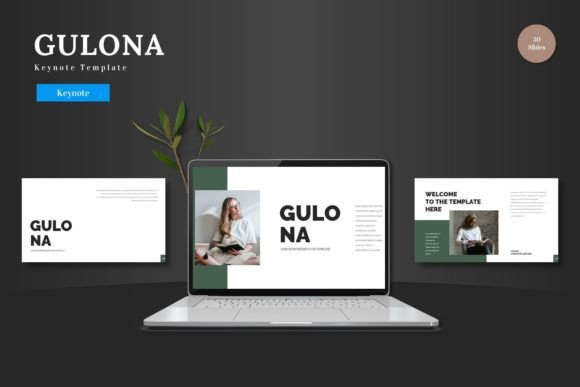
Presentations are how we communicate ideas, share progress, and persuade audiences. Whether you're pitching a startup to investors, explaining a new process to your team, or showcasing your portfolio to a client, the quality of your slides matters. Gulona - Keynote Template is designed to elevate that process. It’s not just a collection of slides; it's a ready-to-use framework that helps you create professional, visually compelling presentations directly within Apple Keynote.
What Makes Gulona a Practical Choice?
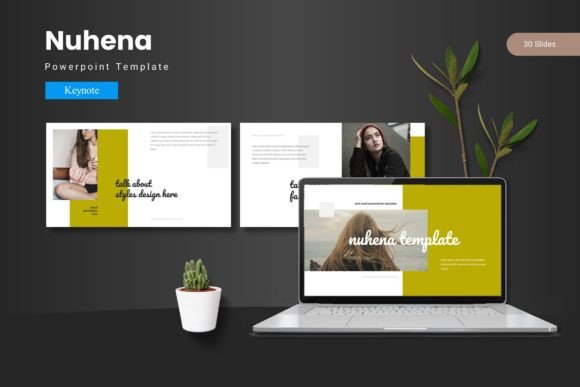
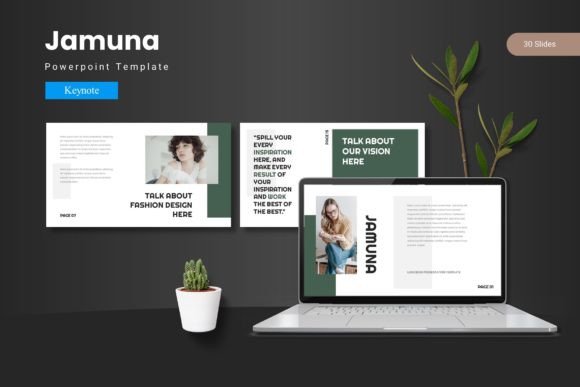
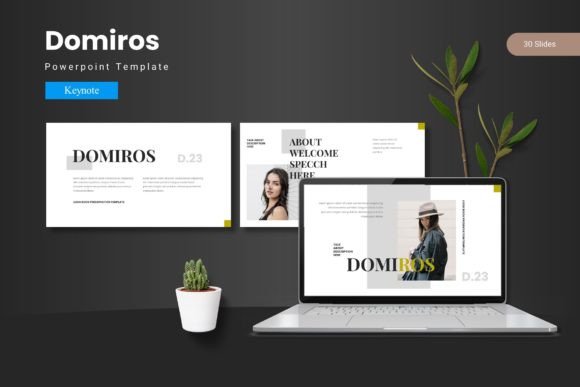
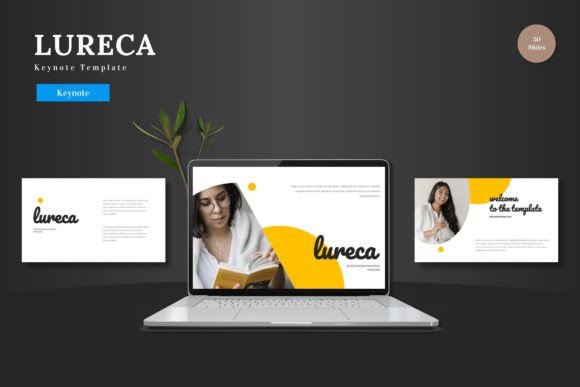
At its core, Gulona is a multipurpose template bundle. Its primary value lies in removing the technical hurdles of slide design. Instead of starting from a blank canvas or struggling with complex graphic software, you begin with a complete, structured set of 150 slides. These are organized across five distinct color schemes, giving you 30 slides per theme to work with immediately. The design philosophy is clear: clean, scalable, and colorful. This means your content won’t get lost in cluttered layouts, the visuals will look sharp on any screen size, and the color variations provide flexibility to match your brand or presentation mood.
A key feature for beginners and busy professionals is that everything is editable within Keynote itself. You don't need Photoshop, Illustrator, or any other external software. All elements—text boxes, shapes, infographics, and icons—are created using Keynote’s native tools. This is achieved through master slides, which control the overall design. To customize, you simply input your text, drag-and-drop your photos into the picture placeholders, and adjust colors as you like. This streamlined workflow saves significant time and eliminates the frustration of incompatible file formats.
The Versatility of a Multipurpose Template
Gulona’s suitability for business, pitch decks, e-commerce, and product promotion isn’t just a label; it's baked into its structure. Consider a freelance designer needing to present a client project. The portfolio and gallery slides within Gulona are perfect for showcasing work in a clean, focused layout. An entrepreneur crafting a funding pitch can use the handcrafted infographics—like charts, timelines, and process diagrams—to explain complex data simply and persuasively. Because all graphics are resizable and editable, you can adapt them to fit your specific data points without breaking the design.
For educators or trainers, the template’s section break slides and logical progression help organize lectures or workshops into digestible parts. Small business owners promoting a new product line can utilize the vibrant color schemes and animated slide (included in the set) to create engaging social media or sales presentation videos. The widescreen format ensures your presentation looks modern and fits perfectly on contemporary displays and video platforms.
Real-World Applications Beyond Business
Its use extends into personal and creative projects as well. A hobbyist documenting a personal achievement, a blogger creating a visual recap for their audience, or a community organizer presenting plans at a local meeting—all can benefit from a polished template. Gulona helps maintain a high standard of visual quality, which builds credibility and keeps the audience's attention focused on your message, not on amateurish slides.
Important Features to Look For
When evaluating a presentation template, certain features signal its depth and usability. Gulona includes several that are noteworthy:
- Pixel-Perfect Illustrations: The icons and graphic elements are crisp and professional, avoiding blurry or low-quality assets that can undermine your presentation's look.
- Master Slide Based: This is the technical foundation that allows for global changes. Adjusting a font or a color on the master slide can update it across many slides consistently, ensuring design uniformity.
- Five Ready-Made Color Schemes: You receive five KEY files, each with a different color variation. This allows you to choose a theme that best suits your content's tone without having to manually recolor every element.
- Comprehensive Support Files: The inclusion of a Readme file, font information, and photo credits (photo information) helps you use the template correctly and respects licensing requirements for any included imagery.
Considerations Before You Begin
While Gulona - Keynote Template is designed to be beginner-friendly, having a basic understanding of Apple Keynote’s interface will help you move faster. Familiarize yourself with how to use master slides and how the picture placeholder drag-and-drop functionality works. Also, because the template is quite extensive (150 total slides), it’s wise to plan your presentation structure first. You don’t need to use every slide; browse the different sections and color schemes to select the slides that best fit your narrative flow.
Finally, remember that a template is a tool, not the content itself. Gulona provides an excellent visual framework, but the power of your presentation will always come from your ideas, your data, and your storytelling. This template removes the design barrier, letting you focus on what matters most: communicating effectively and presenting your slides to the world with confidence.